Product comparison
A TinyPNG alternative when the image needs more than compression.
TinyPNG is a sensible choice for compressing files with little setup. yaSEO adds page audits, editable alt text and filenames, and a CSV to carry those edits into publishing. Here is what each tool does, including the parts where TinyPNG has the broader offer.
Compression and image SEO overlap, but they are different jobs
If you have a folder of images and simply want smaller files, TinyPNG is a strong starting point. Its web tool has a short upload-and-download workflow, and Tinify also offers an API, WordPress plugin and image CDN. The name does not mean the service only handles PNG files.
yaSEO is useful when the image also needs a description, a clearer filename or a review of its page markup. You can audit a public page, prepare English AI alt text, compare an optimization preview and export the images with a CSV mapping. For that job, evaluate the audit and editing tools alongside the compression results.
We publish yaSEO, so we have an interest in this comparison. To make the file-size discussion checkable, we processed the same three source images in both tools and provide their output files below. We also checked Tinify's public features and pricing on September 12, 2026.
| Need | yaSEO | TinyPNG / Tinify |
|---|---|---|
| Quick compression in a browser | WebP or AVIF export with adjustable settings | Automatic web compression and conversion |
| English AI alt text | 5 trial descriptions; 200 per month in Pro | The compared compressor workflow focuses on image files |
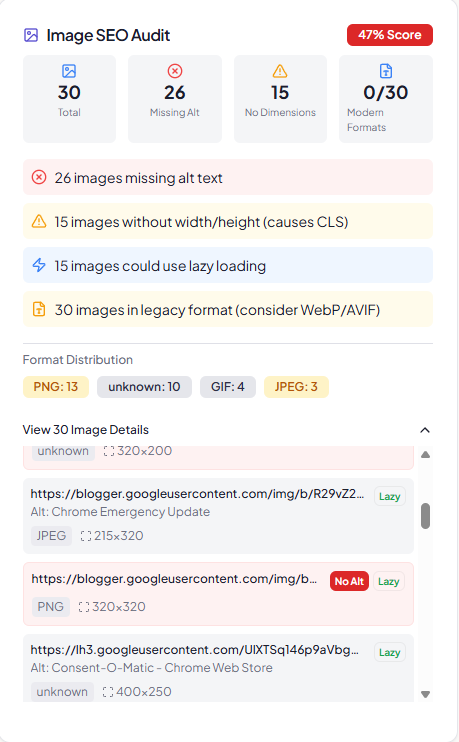
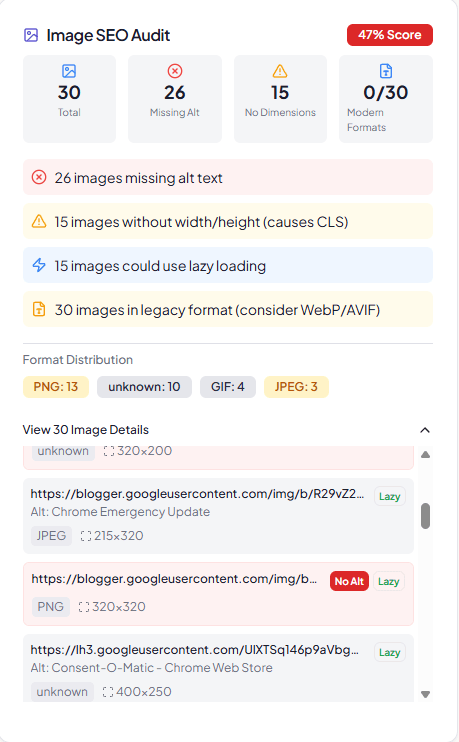
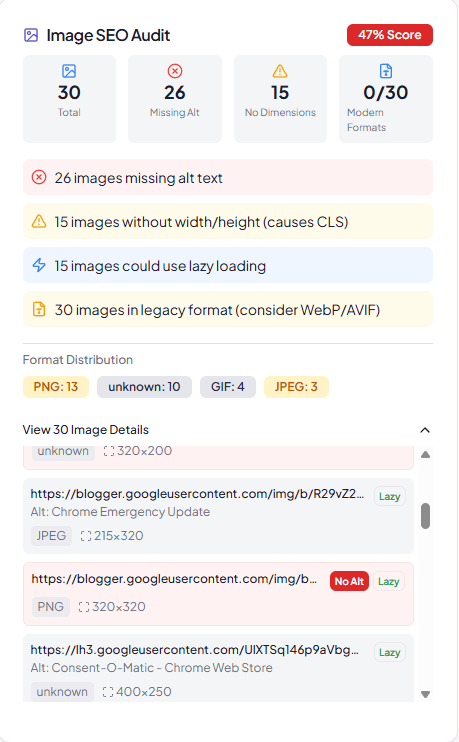
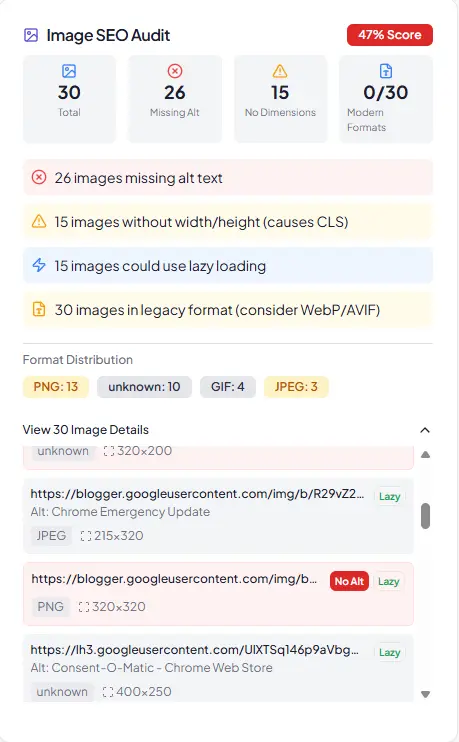
| Review a page's image attributes | HTML audit with alt, dimensions and loading checks | Website analyzer focused on potential image savings |
| Keep filenames and reviewed alt text together | CSV mapping with the exported images | File download; no alt text mapping in the tested web export |
| WordPress workflow | Prepare images in yaSEO, then import a ZIP | Official plugin for automatic upload optimization |
| Developer API or CDN delivery | Not part of the released image workspace | Separate API and CDN products |
Tinify sources: web compressor, developer API and WordPress plugin. The comparison refers to these specific workflows; it is not a claim about every product either company may offer.
A real compression test, including where TinyPNG was smaller
We used the 1200 by 900 backpack PNG, the 1200 by 900 tangerine JPEG and the 459 by 742 interface screenshot from our format lab. In TinyPNG, we first used the free web compressor without automatic conversion, then selected WebP conversion for those three images. In yaSEO, we exported WebP at quality 75 and effort 3, keeping the source dimensions.
TinyPNG's WebP outputs were smaller in all three cases: 86,278 bytes for the backpack, 139,574 for the tangerines and 21,084 for the screenshot. yaSEO's matching-format outputs were 91,800, 149,936 and 26,028 bytes. These are measured byte counts from the downloaded files, not estimates taken from rounded interface labels.
The settings are not quality-matched. TinyPNG chose its own conversion settings; yaSEO used a specified quality value. Smaller files do not prove equivalent visible quality, and the samples are too few to rank either encoder generally. Open the results, inspect the detail you care about and decide whether each file is acceptable for its intended use.
All bars share the same byte scale. Quality settings are not visually matched. 1 kB = 1,000 bytes.
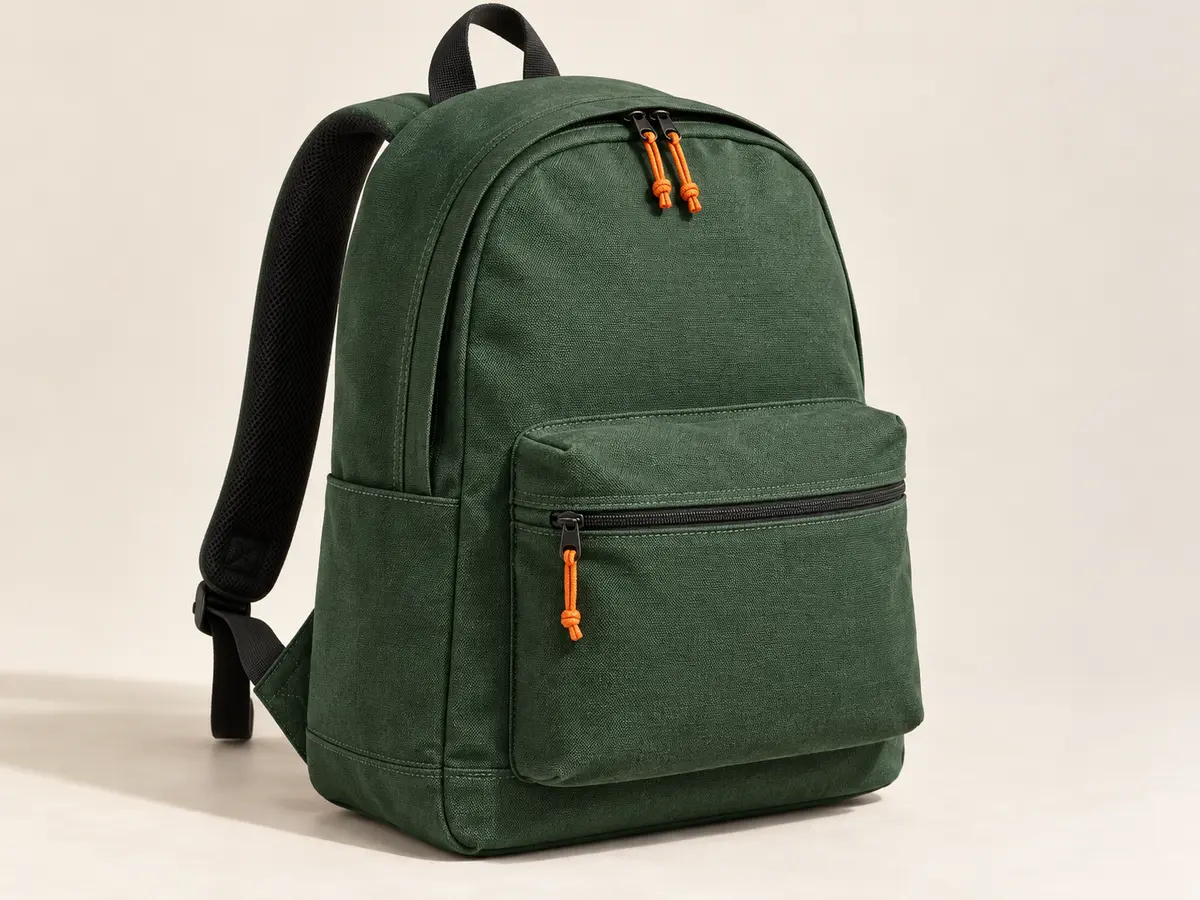
AI-generated fictional product, resized once to a 1200 by 900 PNG master. The preview may scale to fit your screen; use the file links to inspect native detail.
| Image | Source | TinyPNG original format | TinyPNG WebP | yaSEO WebP 75 |
|---|---|---|---|---|
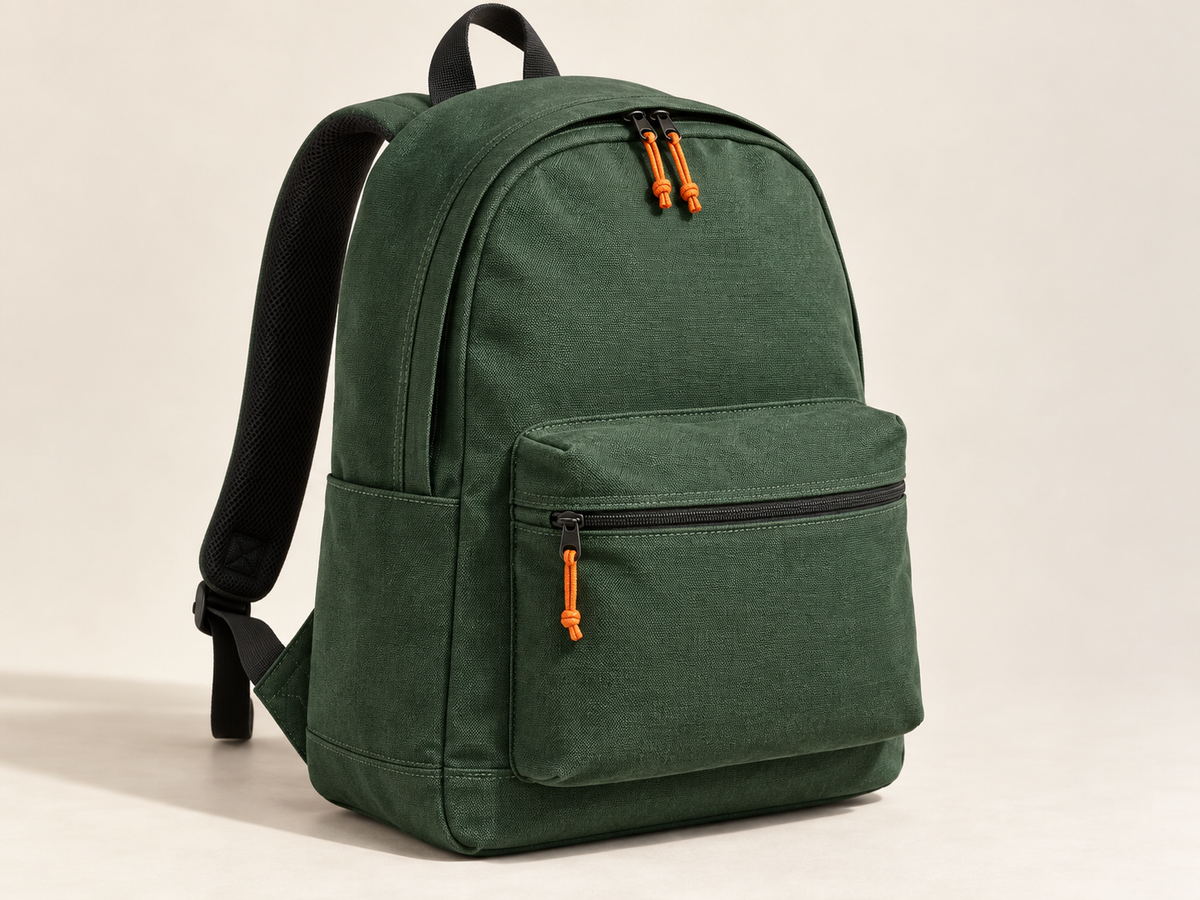
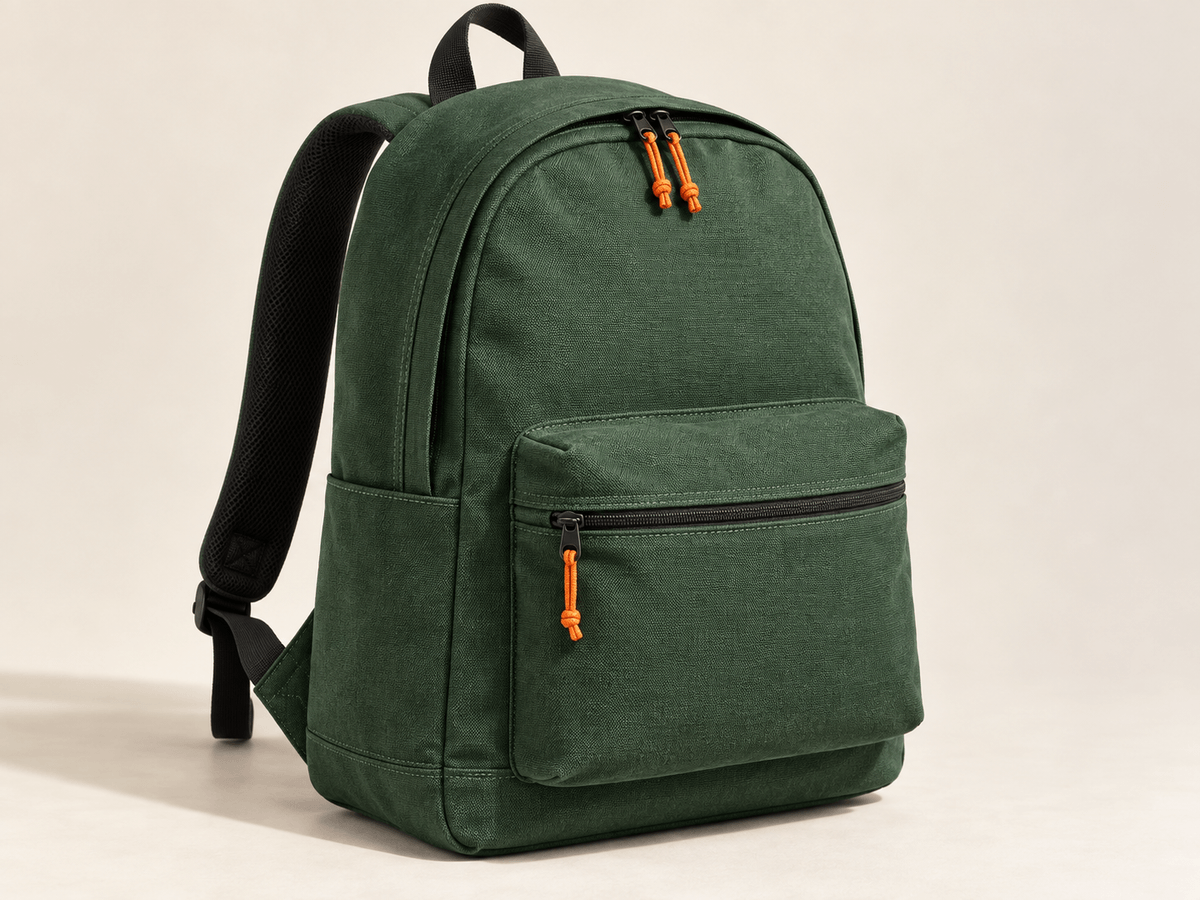
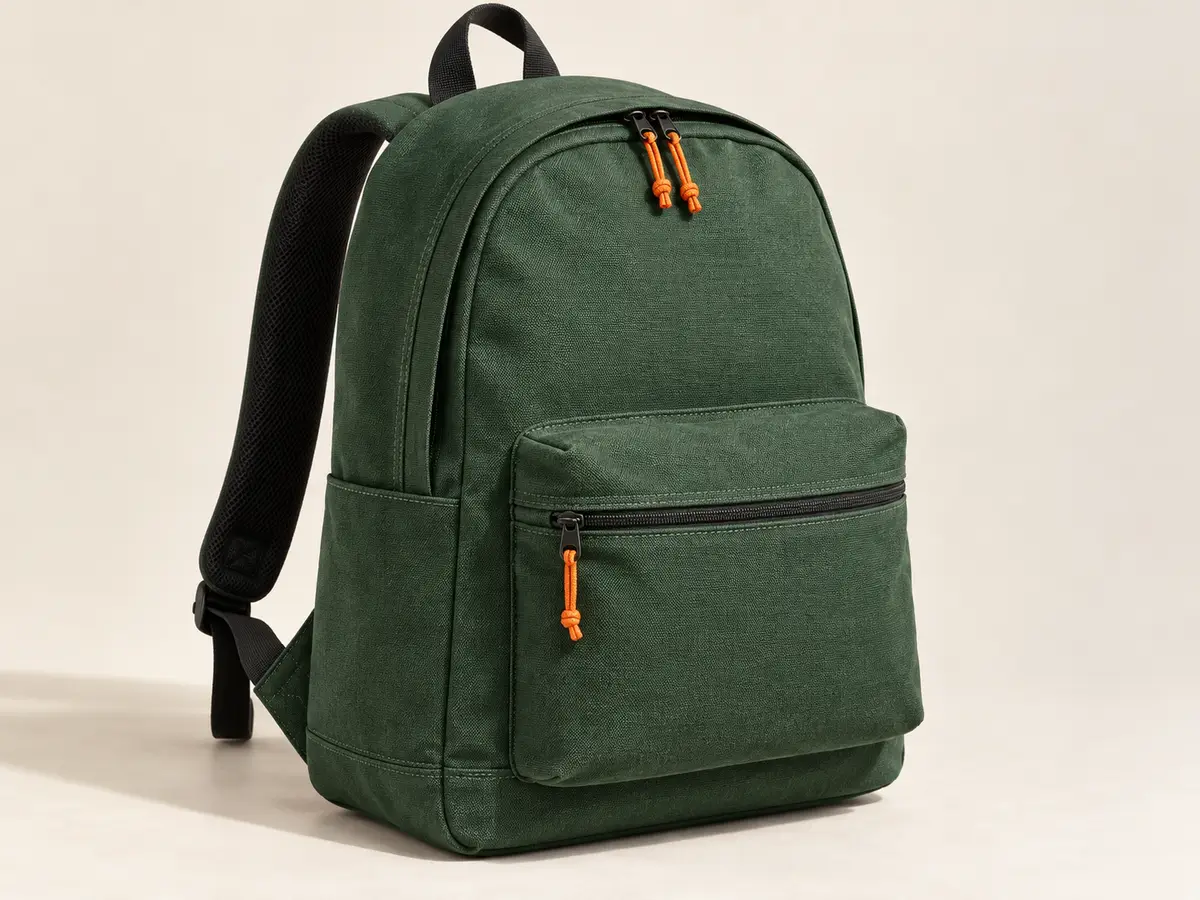
| Textured product photo1200 × 900 | 1,865,340 B | 655,756 BPNG | 86,278 B | 91,800 B |
| Tangerine still life1200 × 900 | 363,835 B | 154,863 BJPEG | 139,574 B | 149,936 B |
| Interface screenshot459 × 742 | 76,516 B | 25,142 BPNG | 21,084 B | 26,028 B |




Why the original format changes the apparent saving
The backpack begins as a 1,865,340-byte PNG master. TinyPNG's original-format compression produced a 655,756-byte PNG; its WebP conversion produced an 86,278-byte WebP. Those two outputs answer different requests. Comparing the PNG result with a WebP from another tool without naming the formats would exaggerate the difference between the services.
The screenshot gives another useful example. TinyPNG produced a 25,142-byte PNG, while yaSEO's quality-75 WebP was 26,028 bytes. In that comparison, the PNG was already smaller. With TinyPNG's WebP conversion, the result fell to 21,084 bytes. You can inspect all three versions rather than assuming one file extension always wins.
The tangerine source is already a lossy JPEG. Its original-format TinyPNG output was 154,863 bytes, compared with 139,574 bytes for TinyPNG WebP and 149,936 bytes for yaSEO WebP. The source's history matters: a percentage reduction from a previously compressed JPEG is not directly comparable to a reduction from a large PNG master.
The files retain their source dimensions. We did not crop one result to make it smaller or remove difficult images from the table. The related WebP versus AVIF test publishes the yaSEO encoder version, additional quality settings and source hashes if you want to explore the format choices further.
Compare the free limits and the billing period
| Plan | Price and billing | Practical limits |
|---|---|---|
| yaSEO Free | $0 | 3 files per export; one active project and 5 total AI descriptions with an account |
| yaSEO Pro | $4.99 monthly | 20 files per export, 20 active projects and 200 AI descriptions per calendar month |
| TinyPNG Web Free | $0 | 20 images per session, 5 MB per upload, 3 conversions per session |
| Tinify Web Pro | $39 yearly per user | Unlimited compression, 75 MB upload limit, 3 conversions per session |
| Tinify Web Ultra | $149 yearly per user | Unlimited compression and conversion, 150 MB upload limit |
Tinify displays monthly equivalents for its annual web plans. The table shows the actual annual billing period so that $3.25 per month billed yearly is not mistaken for a cancel-after-one-month purchase. See Tinify's web pricing for current terms.
The Tinify API is a separate offer with 500 free compressions each month. API operations, image variants and conversions can affect usage, so use the API pricing page for an automated workload. A web subscription should not be assumed to include the API or CDN.
In yaSEO, the batch can contain up to 20 supported uploads, with an 8 MB and 24-megapixel limit per image. Your plan determines how many selected files fit into one export. AI credits are a separate allowance. Choose based on the tasks you need, because an image compression and an AI description are different units of work.
An optimized file still needs its place in the page
Compressing a photo does not write its HTML alt attribute. The description belongs to the image's use on a page, and the same asset may need different treatment in another context. This is the part of image preparation that yaSEO keeps beside the file controls.
After an upload or page audit, you can review the existing description or request an English AI draft. The suggestion appears separately until you apply it. Check the subject and any product claims, edit the wording and keep an intentionally empty description for a truly decorative image. The generator page shows the workflow and its limits.
You can also give the output a descriptive filename and carry the reviewed alt text in the export CSV. That mapping is useful when another editor publishes the files. It is not automatic CMS synchronization: someone still needs to match the output with the correct page or media record.
If all those fields are already correct and your only task is to reduce bytes, TinyPNG's narrower upload-and-download interaction may be the more direct choice. If you are fixing the descriptions and preparing assets together, keeping the decisions in one workspace can be useful.
For WordPress automation, compare the plugin workflow
Tinify's WordPress plugin offers automatic image optimization in WordPress, with its own configuration and usage model. That is a different product experience from visiting the compressor website, downloading a ZIP and manually uploading the results. Evaluate the plugin when you want an ongoing process for new media.
yaSEO offers a WordPress ZIP importer for prepared images and reviewed alt text. It adds new Media Library attachments after a preview and confirmation. You still place those images in pages yourself. It does not automatically optimize every future upload inside WordPress.
If the site already uses a compression plugin or image CDN, identify which system should own resizing and conversion. Avoid making two services repeatedly re-encode the same publishing file without checking the result. Write down which service creates each size and format, then check a live image URL against that plan.
Keep a source copy outside the publishing system. A compressed download, a temporary upload and a thumbnail in a project are not substitutes for the original master. That advice applies whichever service you choose.
Choose formats by the images and destinations you actually use
TinyPNG supports more than its name suggests. Its current web interface offers modern format conversion, including WebP and AVIF, and also lists JXL. yaSEO accepts non-animated JPEG, PNG, WebP and AVIF inputs and exports WebP or AVIF. If your workflow requires animated files or another format, check the exact service and output support before starting a batch.
For a photograph, inspect texture, fine edges and smooth backgrounds. For screenshots, check whether small text stays readable. If a file is used in a product zoom, view it at that zoom size; a thumbnail preview is not enough. You can use the measured sources on this page as a starting point, but your own images are the more relevant test.
Do not turn the file-size comparison into a page-speed claim. A page's loading behavior, selected responsive image and request timing affect what visitors experience. Publish a small test, inspect the actual downloaded asset and measure the page separately if performance is the goal.
Try the whole publishing task on a small batch
Choose three representative images: one photograph with detail, one image with text and one file that has been difficult to optimize. Keep the originals, record the dimensions and download both tools' results. Compare quality before choosing the file size you are happy to publish.
Then finish the actual task. If descriptions are missing, write or generate them and check the page context. If filenames need changing, keep a reliable mapping. Upload the selected files, apply the descriptions and inspect the public page. Check that the live page uses your chosen file and the description from the matching CSV row.
Stay with TinyPNG when straightforward compression or its integrations solve the job. Try yaSEO when the work includes an audit and editorial decisions about the images. The free workflows are enough to establish that difference before paying for a larger allowance.
Common questions
Is yaSEO a free TinyPNG alternative?
You can audit and export up to 3 files per batch in yaSEO for free. A free account adds one active project and 5 AI descriptions to try. TinyPNG's free web workflow has different compression and conversion limits, listed above.
Does yaSEO compress images better than TinyPNG?
This test does not support that claim. TinyPNG produced smaller WebP files on all three samples than yaSEO at quality 75. The settings were not matched for visual quality, so inspect the outputs before choosing.
Does TinyPNG support WebP and AVIF?
Yes. The service supports modern formats and conversion; it is not limited to PNG. Check the specific web, API or plugin offer for the formats and limits relevant to your workflow.
Which tool should I use to add AI alt text?
yaSEO includes an English AI alt text generator with review before applying. The TinyPNG workflow tested here compresses and converts files. If you need automated alt text publishing in a CMS, compare a dedicated integration such as AltText.ai as well.
Can I use yaSEO alongside a WordPress compression plugin?
Yes, for tasks such as auditing or preparing descriptions, but decide where resizing and conversion should happen. Verify the published result so multiple optimization steps do not change the image unexpectedly.